
MobileComm App. Team Chat
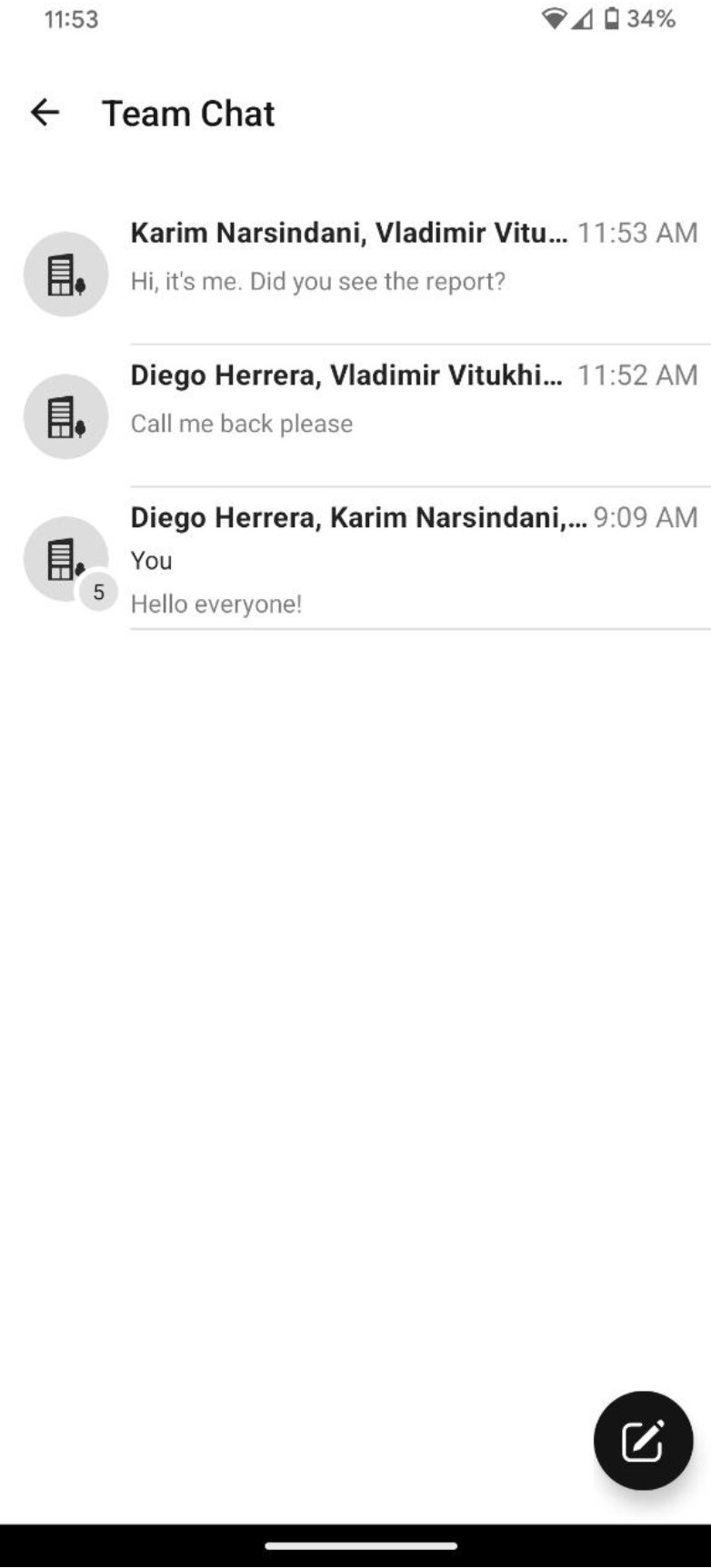 Pressing the Pencil button will open the Company contact list, allowing you to select as many colleagues as you would like. The chat interface resembles other messenger apps commonly available on the market.
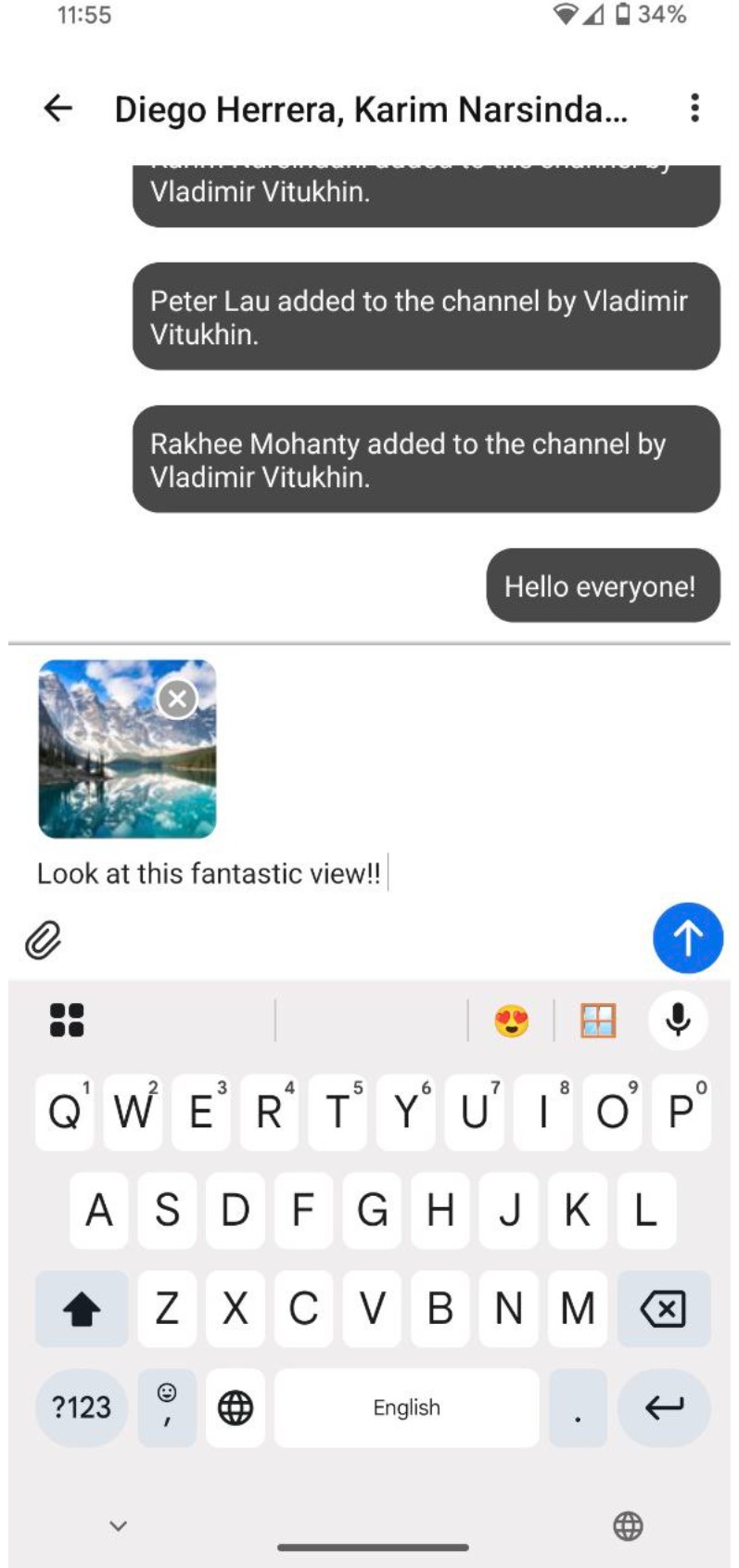
- The message line: is where you type your message text.
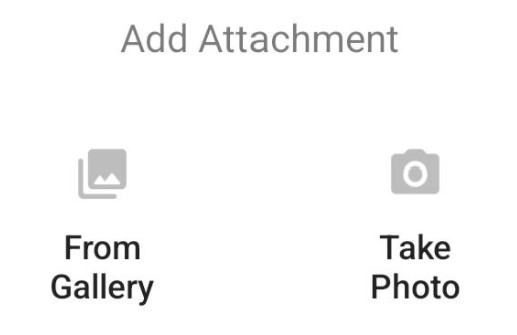
- The paperclip button: lets you attach images, either from your gallery or by taking a photo.
- The Send button: sends the message as usual.